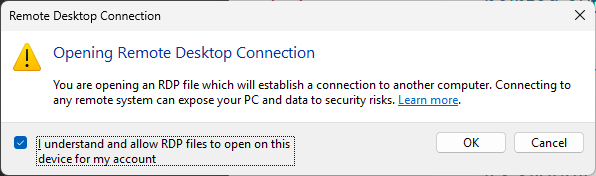
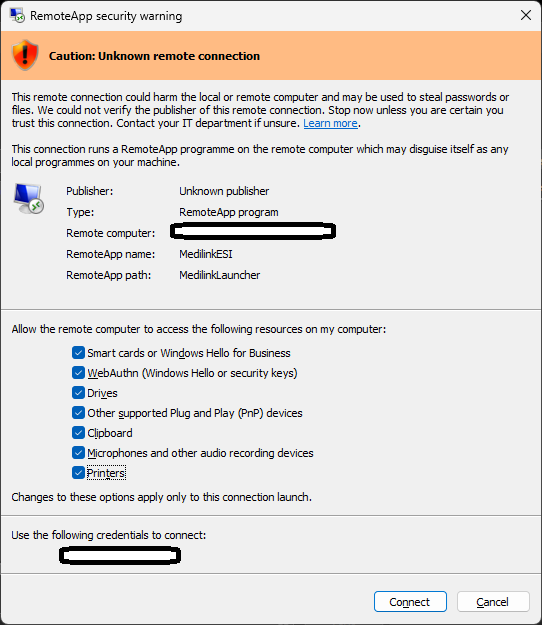
In April 2026 Microsoft started adding warnings when opening Remote Desktop or RemoteApp sessions.
You will need to manually tick the boxes to enable Printers, Drives, etc.
They have more info here:
We understand that users find this annoying and do have two workarounds.
Option 1. Disable the warning using registry. Download, unzip and run the following (you will need admin rights on your computer):
https://www.medilink.com.au/IgnoreTSUnpublishedWarning.zip
OR Manual Regedit:
[HKEY_LOCAL_MACHINE\SOFTWARE\Policies\Microsoft\Windows NT\Terminal Services\Client]
"RedirectionWarningDialogVersion"=dword:00000001
2. (Medilink Hosted Only, otherwise talk to your IT) Download newly published RDP files. Click the link below for instructions:
https://help.medilink.com.au/support/solutions/articles/11000136476-download-remoteapp
Screenshots of the warnings/errors you may see: