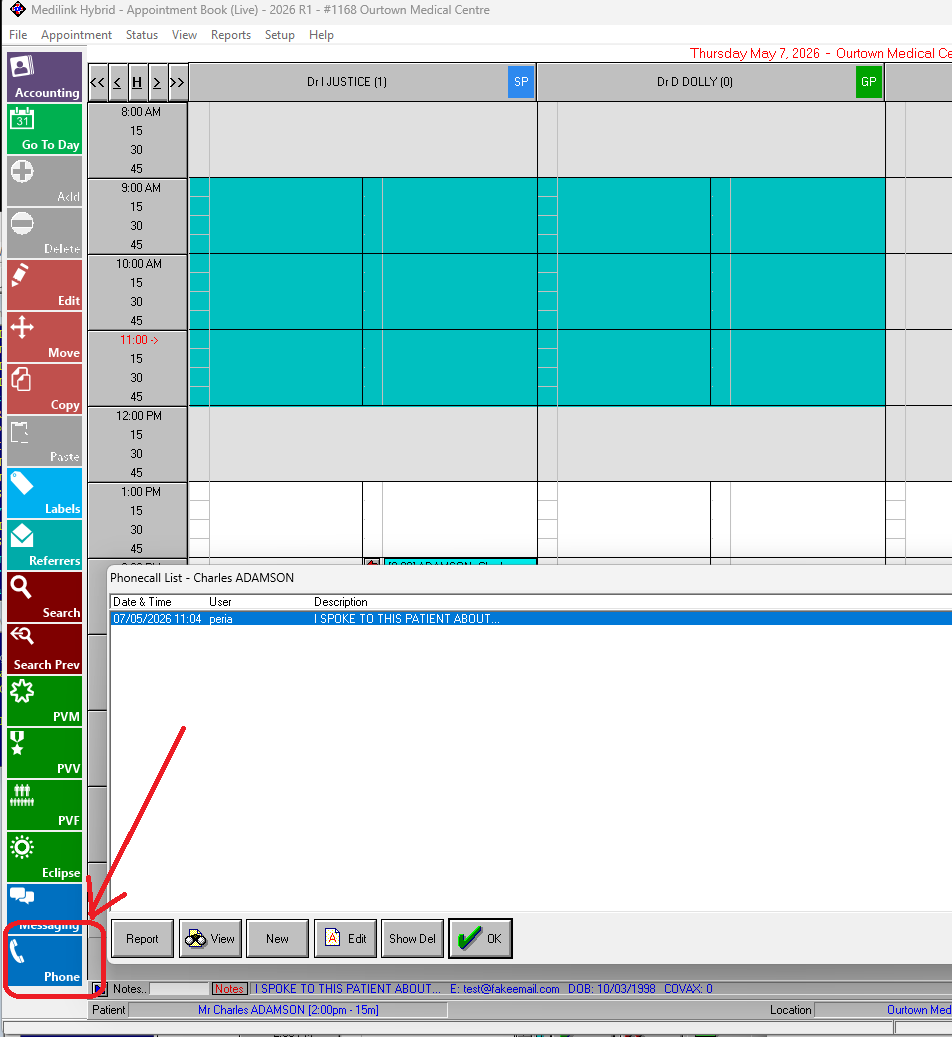
There's a few ways to record conversations/notes you have with patients. What you use will depend on how your practice works. See below:
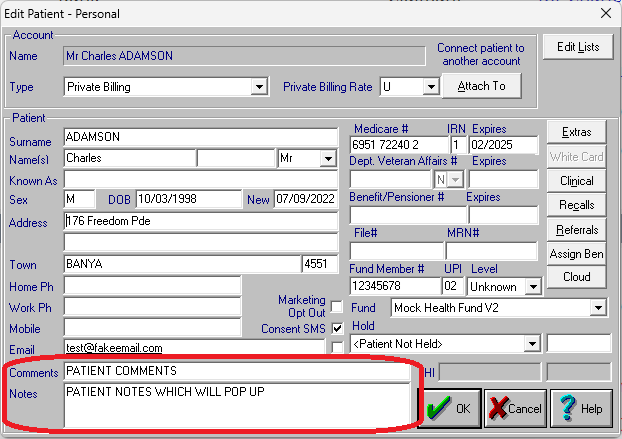
Patient Details -> Comments - useful for info that likely never changing, you only get one line though.
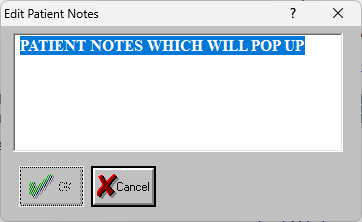
Patient Details -> Notes - more space and it will pop up every time you bring up patient or change appointment status, but easy to wipe out (be careful!)
Free Notes - this is just a TXT (text) file for each patient that you can add to. This give you unlimited flexbility but there's little accountability (someone might delete/change old info).
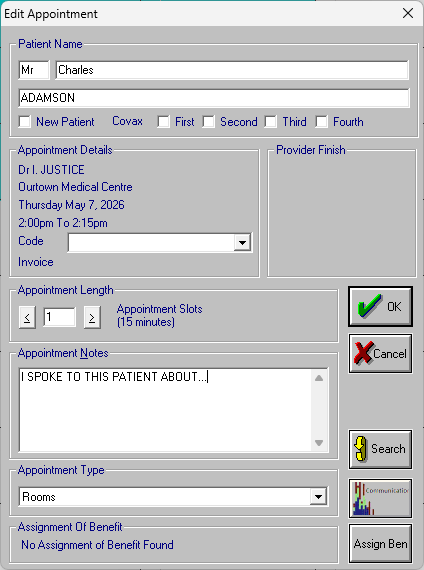
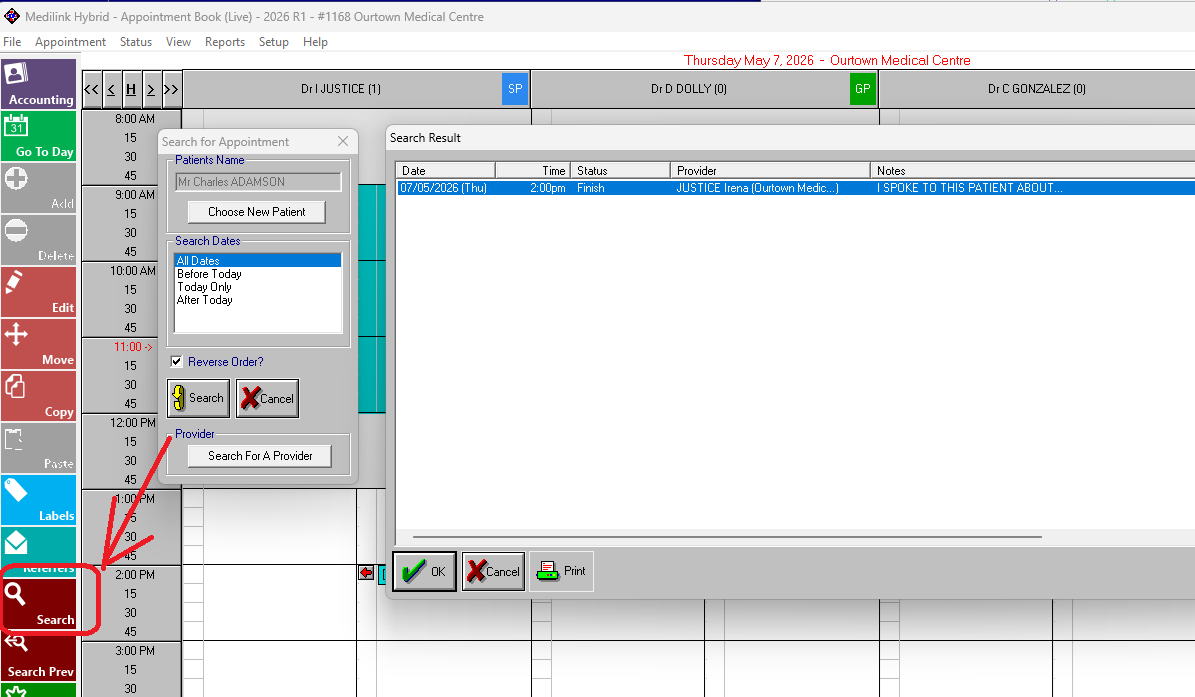
Appointment Notes - you can just add text to the appointment note, or even just put in an appointment in a right hand side column with the notes from your call (and just mark it as finished). You can use the Appointment Search to see these old notes.
Phone/Communications - this is probably the most ideal way to do it, as it logs user and datetime and includes the appointment notes by default, and you can delete but show deleted lines and report on that etc.